
In this article we are going to be talking about combining your technology for streaming.
While this may seem a bit redundant, this is one of the areas that many churches struggle with in regards to maximizing their live streaming efforts.
Many churches are on a tight budget when it comes to providing an amazing live streaming service.
Our goal is to ensure that you can provide the best stream to your audience by using equipment that you already are carrying around.
By far one of the biggest issues that many churches struggle with in regards to their “Live Stream” is the choice of cameras.
Furthermore, it should come as no surprise that many of the higher quality webcams that many churches utilize for their live streams come with a pretty hefty cost.
We’re going to help you achieve better quality for little to no out-of-pocket money to deliver a professional grade live streaming process.
By far the two most popular platforms for churches to want to deliver their live stream to are Facebook and YouTube.
So how do you go about it without having to pull your hair out or spend thousands of dollars on expensive equipment?
Easy! Sign up to utilize Restream.io. They offer several packages for you to signup for.
Okay, we have the streaming platform out of the way. Now let’s take a look at other software and equipment that will help you bring it all together and make for an easy production process.
In a previous article, I talk about the streaming alternatives since the CV-19 pandemic.
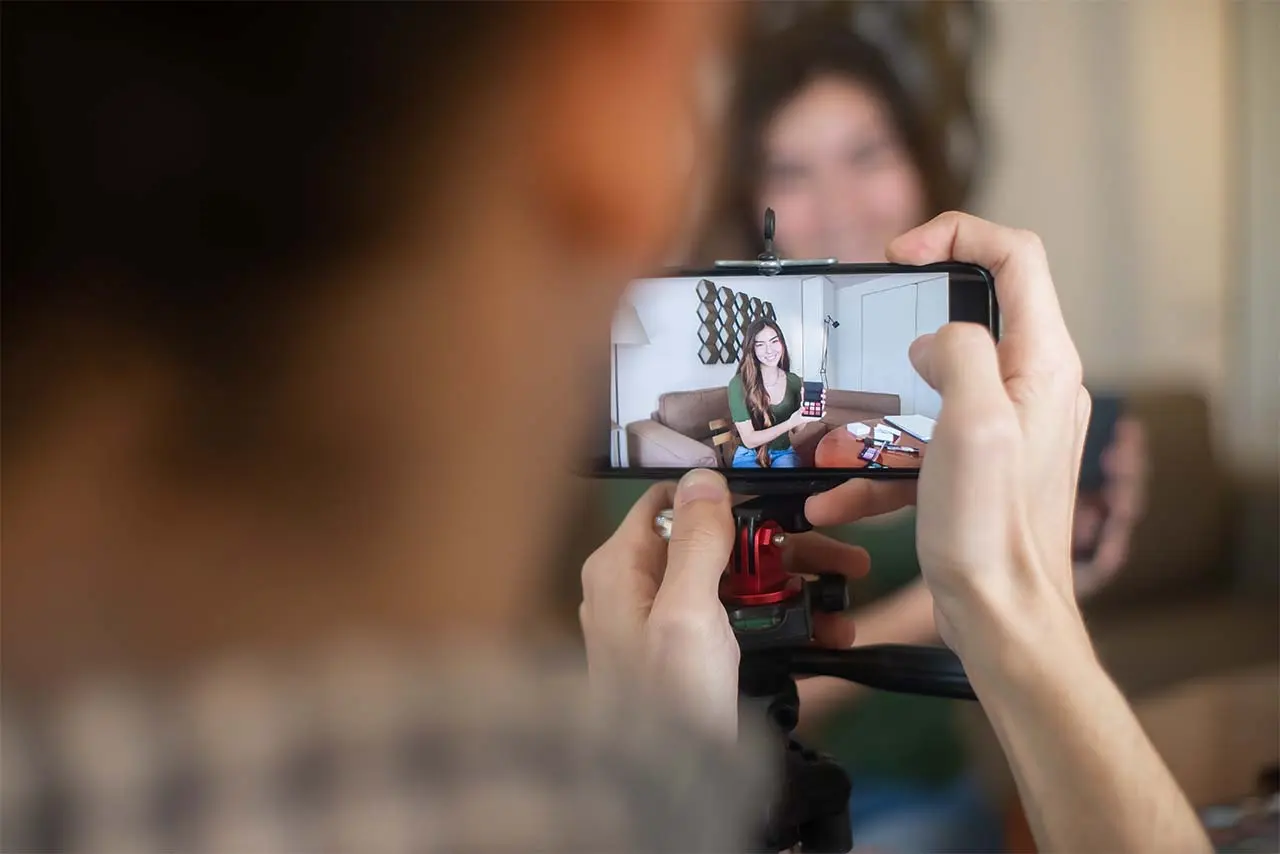
Probably one of the most effective camera’s to use for your live streaming, you are already carrying around with you in your pocket.
That’s right. Your smartphone!
With the improvement on most smartphones, the camera technology on many of them are superior of what you can buy in a DSLR.
Now you’ve save hundreds, if not thousands of dollars right up front.
Best part is, you can combine multiple phones to utilize and bring all of them into your stream using different camera views.
Sounds crazy difficult, doesn’t it? No need to panic. This is so simple, you can have on of your Jr. High or Senior High student’s running this for you in no time at all.
There are some hardware requirements that will make combining your technology for streaming simple and easy-to-use.
My preference is having a PC to run your software on. At minimum, you will want a machine that has a solid state drive, at least 32gb RAM, and possibly dual monitors (although not required.)
In addition, the one additional piece of hardware I highly recommend is the use of an Elgato Stream Deck. It’s like having a multi-million dollar switcher for under $200. You can opt for the Stream Deck or the Stream Deck Mini. Both will deliver amazing and powerful options.
The Stream Deck is utilized to bring in different scenes such as, lower thirds, sermon notes, scriptures, song lyrics, overlays, video’s, and the list goes on. In addition, it provides additional functionality at the control of your fingertips.
Watch the video about it below.
If that isn’t the cat’s meow, I don’t know what is. It’s like having a full studio production team at the control of your fingers.
The most highly recommended piece of software I am going to recommend to you is OBS Studio. It is FREE and can be used on Windows or Mac. Again, preference to Windows.
So OBS Studio or Open Broadcasting Software is what helps you to create your scenes and bring in all the essentials.
this is where you’ll start bringing in your camera(s), mics, overlays, etc.
Since iPhones seem to be the most widely utilized smartphone, let’s look at how you can bring your iPhone into OBS wirelessly. You will need to download EpocCam on your phone and computer.
They’ll cover all of that in this video below.
Doesn’t get much easier than that.
Now. let’s take a look at how to achieve the same thing for those who are using an Android powered device.
I told you it was going to be easy.
See combining your technology for streaming doesn’t have to be difficult or expensive.
If there is one thing I see many churches struggling with, it is maintaining a solid connection over their WiFi.
First, your primary computer that you’ll be using for your streaming control device, I highly recommend that you have it directly connected via Ethernet.
This will ensure that your output to your streaming destinations are solid without little if any latency or lagging.
Furthermore, you’re going to need to up your game on your WiFi routers and connectivity.
A lot has changed since WiFi has come into our daily vocabulary use.
We are now operating on WiFi 6 and using what is called a mesh network.
The better your connection, the lest frustration you will experience when brining in additional equipment that can be connected via WiFi.
Having a solid mesh WiFi router is crucial. Look into a Google Mesh WiFi system and make sure you have one that supports multiple access points.
Again, the whole CV-19 pandemic has placed churches and ministries around the world into a whole new playing field.
I can assure you that it has been a learning process for everyone. However, with the breakthroughs on several platforms.
With the improved deliverability and technology they have brought forth, is greatly improving the streaming capabilities of churches worldwide.
What equipment or software is your church using? How easy has it been for you to upgrade or make significant changes?
We’d love to hear about your stories. Feel free to share them with us below.
Site Designed & Hosted by Ark Web Design
