
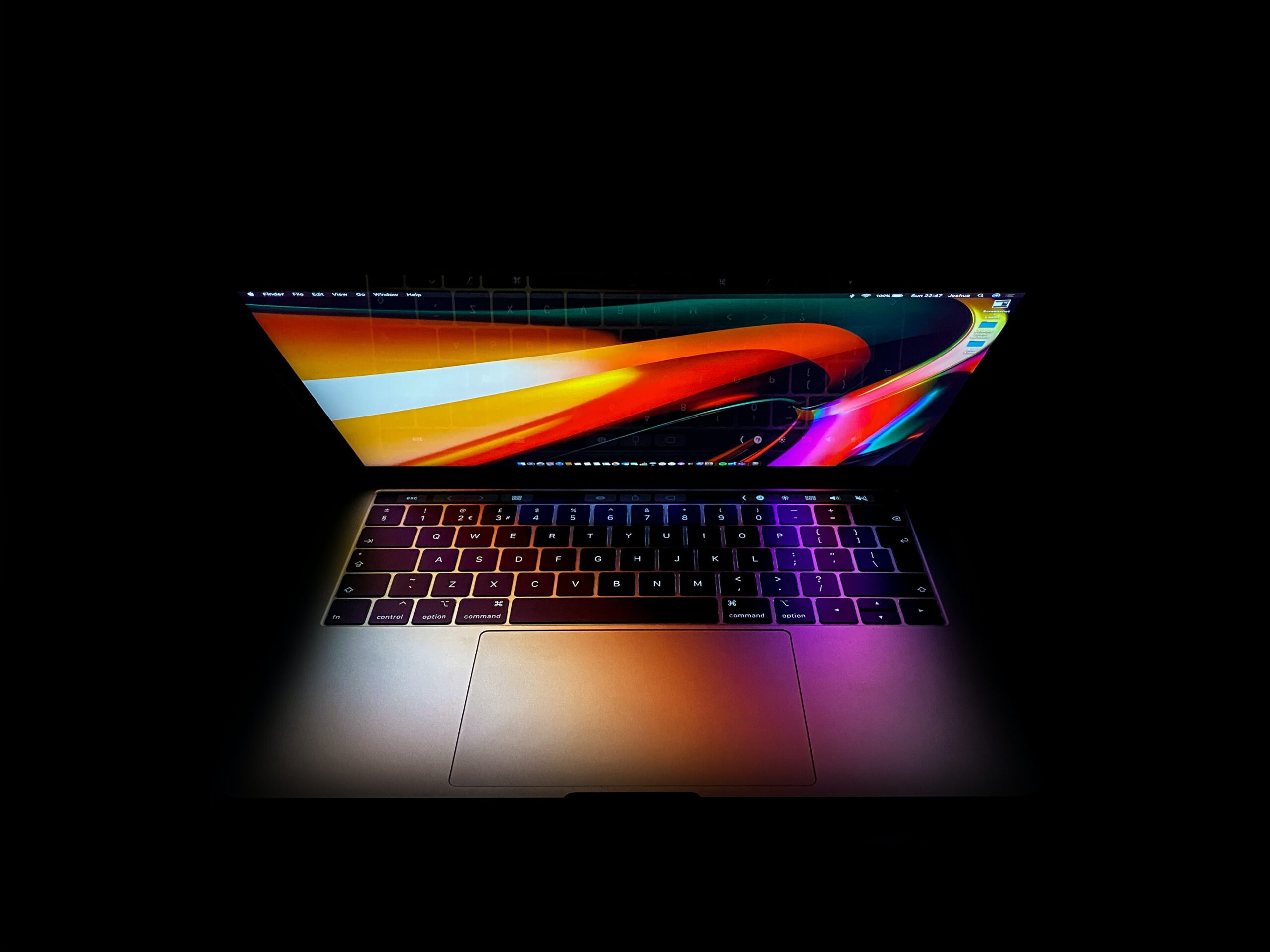
In this article, I am going to be taking a look at whether you should be using a Mac or PC. With the most recent developments within the Apple ecosphere, there are a few things that you will want to keep in mind when determining which machine may be the best for your church or ministry.
If you haven’t already heard, Apple’s MacBook Air, MacBook Pro, Mac Mini will be using their own M1 chipset beginning in late 2020. Soon this chipset will be utilized in all Apple products in the future.
Previously Apple had been using Intel processors to handle the heavy lifting of how their OS and various pieces of software were being used across their machines. This was great news for those coming from the PC world, as that meant they could still use some of their favorites such as Microsoft Office and other type products.
However, with the release of the new M1 ARM Chipset, this will no longer be the case. In fact, all software that you desire to run on your Mac will have to be supported by Apple only. This is going to take a huge chunk of their market share of those who had previously adopted to Mac from the PC world.
I encourage you to watch the video below for a more detailed look into the M1 processor and why it may not be a great idea for your church to utilize.
Anyone who has ever owned a PC or even an older Mac knows that if you removed the screen you could replace or upgrade such things as your hard drives, RAM sticks, and even your graphics card.
With the new chipset from Mac, this will no longer be an available option, nor will you be able to take it to your local repair shop for them to do it for you. You will be locked into taking it to an Apple authorized location, only to tell hear them tell you that you will just need to by a new machine.
In short, what this means is that with Apple’s new M1 chipset, they potentially can brick your machine to where it will no longer operate.
A quick basic scenario of how your machine works. The very first thing that loads on either a Mac or PC before your operating system loads up is called BIOS. With Mac’s new M1 they can circumvent your bios from loading in the manner it should, basically meaning they have full control over your machine and can prevent you from installing such utilities as a VPN (Virtual Private Network,) which many people utilize who access outside WiFi hotspots while on business or away from home.
If anyone remembers how Mac’s operated before they began integrating some of the things that Window’s users love, you’ll remember that if it wasn’t a piece of software specifically designed to operate on your machine, then in short you just weren’t going to be able to run it, unless you were geeky enough to know how to dual-boot your machine into another operating system.
Sure, I suppose for those who are the geekiest of the geeks, may see this as wonderful news as those who are die-hard Apple fanboys, will appreciate that aspect. However, for many, this is going to cause an array of headaches.
I have already endured this, I had a mid-2011 iMac that was at the end of its software lifetime, which in short means it would no longer update. Furthermore, many pieces of software that I utilize on a daily basis such as Adobe cloud products would no longer update either. In short I was left with only one option, that was to update my machine.
Why would I want to go out and spend another say $1900 or more to update to a current version of the iMac, which sooner or later would see the end of software updates, or return to the PC world and purchase a new one and customize it to my liking with all the hard-drives and RAM requirements necessary to run my machine the way I use it.
With their being so many customizations that you can make to your machine if you order factory direct, going back to a PC made much more sense. Basically simple upgrades to a SSD, 32 or 64 GB of RAM, and a GForce graphics card was all I need to satisfy the heavy lifting that I do using a lot of Adobe products at the same time.
Sure, the initial pricing was a bit more than what you are going to get from an “off the shelf” ready-to-go model, however, in the end of things I will not have to worry about the software aspect.
For churches who are using Mac’s, finding software that will be compatible to use from a PC. However, I can assure you, it’s not difficult and usually you’ll end up spending less money of either the initial software purchase or even monthly cloud based subscriptions, depending upon your specific needs.
For the average church, going PC is certainly the more economical choice. Streaming software is available for both machines. The biggest issue that many churches struggle with when it comes to livestreaming isn’t so much the choice of the software, but rather the amount of bandwidth provided by your local Internet provider. Having a solid connection with ample upload limits is usually where many of the struggles begin showing their ugly faces.
In conclusion as to whether or not you should be using a Mac or PC, I truly feel it’s going to come down to what your demands and requirements are, as well as what your budget will permit.
Furthermore, I feel that locking yourself into a OS that restricts your choice or freedom to choose what software you can use on it, truly locks down a lot of flexibility. My recommendation to churches and houses of worship would be to look into a custom spec’d Windows unit. It is my personal belief that you will save yourself and more importantly, your tech’s, sanity when it comes to having to make any kind of upgrades to support your software and associated hardware that you are utilizing.
Have you found yourself in the position that we did? What are you currently using for your primary machine and will you be upgrading it or not?
We’d love to hear your responses on this hot topic.
Site Designed & Hosted by Ark Web Design
