
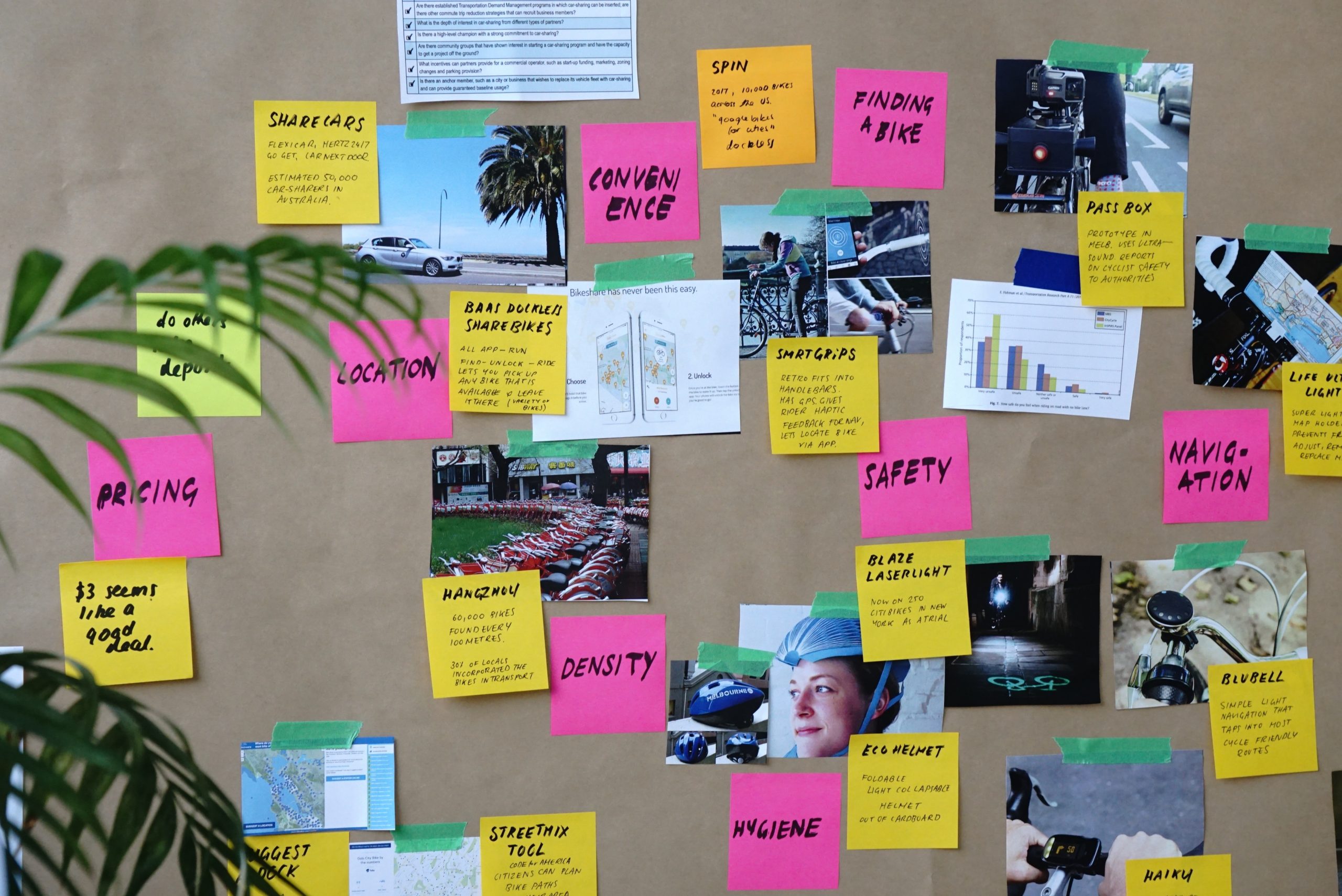
Have you ever thought about how to expand your creativity when it comes to dealing with the various forms of media that you may use for your church or ministry website? In this article we are going to take a dive into a few things you can use to expand your level of creativity and productivity as well.
Have you ever been going about your daily activities and had a creative thought about something you would like to implement on your website or social media outlet? If you are like most of us, you were really excited about what it was that you wanted to try out, but later on only realized that you hadn’t written it down anywhere.
Totally frustrating!
Part of the process involved in being able to expand your creativity is being able to organize and capture your thoughts along the way.
The collection of your creative thoughts doesn’t have to be terribly complicated, you just need to be consistent in how you gather and store them to be able to review and put into action.
Truthfully, it’s not so much about the tools you use to collect your thoughts but rather being consistent in using them when it comes time to organizing them. So let’s go ahead and kick this off and dive in to examine a few of my personal favorites. Let me know in the comments below the things that you use to help you stay focused and on track when it comes to bringing new ideas into action.
I don’t want to get to caught up in the “how” you collect and maintain your thoughts and ideas. However, I do want to stress that you stay consistent in how it is that you do it.
Once you develop a pattern of collecting your thoughts and ideas, reviewing them from one location (app) will make them much easier in taking them from concept to reality.
I don’t know of anyone who isn’t always looking for new ways to create that special “Wowing” visual or even video effect that they project on their screens at church or across any of the social networking platforms they utilize.
Furthermore, it gives you an upper hand over other churches in being able to deliver the kind of visuals that naturally attract people to want to interact upon your online entities even more.
However, sometimes expanding your creativity skills can require a little digging in and getting your hands dirty, if you will!
What? YouTube University?
While there is not actual YouTube University, YouTube alone can provide you a wealth of information and “how-to” tutorials to learn some new things.
Furthermore, it is very realistic to acquire even more knowledge than those who have learned the same thing by attending a physical secondary learning institution. Don’t discount the knowledge that you can equip yourself with by taking a little time in watching a few videos.
Once you have started to pick up on some cool ideas from there, it is now time to roll up your sleeves and get your hands dirty. Lol
The easiest way to truly learn new things is to just dive in and begin experimenting with them. You’re not going to master these things overnight. Whether that be improving on your photo editing skills, maybe learning how to edit video or create sermon bumpers and things along those lines. If you will stay consistent and practice practice and practice some more, in no time you will find that you are producing amazing new visuals that you only dreamed of.
One of the leading tools for creating awesome custom graphics or video editing comes from the power of Adobe Creativity Suite. However, it isn’t free. If you choose to utilize their entire suite of tools for both your photo, video, audio, and other creative processes, you will need to pay for a monthly subscription. I pay $52 per month to have access to all of their creative tools to use for both my personal business as well as that of our church.
I realize that this may not be possible for everyone. So let’s take a look at other alternatives to Photoshop that can be just as useful.
You may want to take a look at Pixlr – Pixlr provides many similarities to Adobe Photoshop. They have an annual subscription for $50 per year. You can create some pretty awesome graphics using their tool. However, it is not quite as robust as what you will receive using Photoshop.
Another alternative might be to take a look at Canva. Canva is an online tool that you can choose from pre-made templates based upon where you are going to use them. You can even go above their free service and purchase premium stock photos to use to take your design process even further without breaking the bank.
For my audiophile friends out there who may be looking into wanting to edit the audio of their sermons or teachings in a post-event environment, Adobe Audition is the ultimate go-to tool to use. Again, part of the Adobe family. However, you can purchase stand-a-lone subscriptions for their products as well. These usually will end up costing you around $20 per month.
If you’re looking to create some stingers, bumpers, entrance and exit tracks, Audition is the king of the products. Take a listen below to a entrance audio file that I use for each of our church’s audio podcasts.
You can get as creative as you want using Adobe’s Audition.
However, if you just don’t have the extra coins to put out for Adobe Audition, then you may want into looking into using a FREE piece of software called Audacity. Audacity is available for download for either Windows or Mac. I will let you know that it isn’t quite as intuitive visually and has a bit of a learning curve to truly get comfortable using it. However, there are plenty of videos available on YouTube that will set you on the right path.
Expanding your creativity is like anything else. You just have to commit to starting!
Once you’ve gotten started, stay consistent in how you are gathering your creative thoughts and organizing them so that you can begin to develop a plan of attack.
Consistency is the key to success in stepping up your “A Game” in the world of creative processes. The only thing for you to do is to dive in and get started.
Site Designed & Hosted by Ark Web Design
